Explore essential SaaS UX design best practices that can significantly enhance user engagement, satisfaction, and overall product success.
January 13, 2026 · 16 min read


In today’s SaaS market, features don’t win anymore; user experience does.
You can build the most technically advanced SaaS product, but if users struggle to understand it, adopt it, or see value quickly, churn becomes inevitable. This is exactly why SaaS UX design has shifted from a “nice-to-have” to a core revenue driver.
Modern SaaS companies operate in a subscription-first economy. Every decision from SaaS landing page design to dashboard usability and SaaS onboarding UX directly impacts:
Across SaaS, fintech, healthcare, and enterprise platforms, one insight remains consistent:
SaaS products with strong UX outperform competitors on revenue, retention, and lifetime value.
This guide explains why SaaS UX design matters, how it drives ROI, and best practices you can apply in 2026 and beyond, whether you’re building an MVP, scaling a SaaS platform, or redesigning an existing product.
SaaS UX design focuses on shaping how users interact with cloud-based software throughout their entire lifecycle, not just how the interface looks.
It includes:
Unlike traditional web UX, UX design for SaaS must support:
That’s why SaaS UX is tightly connected to business metrics, not just visual aesthetics.
Users don’t buy SaaS products to learn software. They buy outcomes.
A well-designed SaaS onboarding UX helps users:
Reducing time-to-value improves:
Churn is rarely caused by pricing alone. It’s usually friction, confusion, or unclear value.
Strong SaaS user experience design:
Even small UX improvements in dashboards or navigation can lead to double-digit retention gains.
When users truly understand your product, they’re more likely to:
This is where SaaS product design and experienced UX consultants create leverage by designing experiences that naturally guide users toward higher-value actions.
| Aspect | Traditional UX | SaaS UX |
|---|---|---|
| Usage | One-time or short-term | Long-term, recurring |
| Complexity | Linear flows | Multi-step workflows |
| Metrics | Traffic & conversions | Retention, LTV, engagement |
| Users | Single persona | Multiple roles & permissions |
| Updates | Infrequent | Continuous |
This complexity is why many companies hire SaaS designers or UX consultants instead of relying on generalist designers.
UX holds exceptional value in the world of SaaS design. SaaS products are complex, constantly evolving, and highly competitive. As competitors race ahead, adapting quickly to changing user needs and market expectations becomes critical.
The benefits of strong SaaS UX are clear:
Let’s break down the key SaaS UX benefits that directly influence SaaS success.
The first interaction with a SaaS website or SaaS landing page often determines whether a user signs up or leaves.
High-performing SaaS products simplify entry and avoid asking for too much information upfront. A well-known example is FreshBooks, which gradually collects user data as users progress. This step-by-step approach reduces friction and builds confidence early.
Clear CTAs also play a critical role. FreshBooks’ “Get Started” button uses reassuring language that encourages action, helping create a strong first impression and improving conversions.
A well-crafted SaaS UX design is one of the most effective ways to reduce churn.
An intuitive, engaging user experience:
Platforms like Canva excel here by empowering users and removing complexity, which significantly lowers abandonment.
Customer retention is about trust and consistency.
A thoughtfully designed SaaS UI design:
Research from Treasure Data shows:
In SaaS, retention equals revenue, and UX is one of the strongest levers to protect it.
SaaS products must scale across different teams, roles, and use cases.
By mapping the user journey through SaaS UX design, products:
Clear workflows, consistent patterns, and intuitive navigation ensure that complexity never overwhelms the user.
SaaS UX directly impacts ROI by improving:
Lower support costs and higher retention mean UX investments continue paying dividends over time.
A strong SaaS UX design doesn’t just meet customer needs—it differentiates your product.
When UX continuously evolves with user behavior and expectations, your SaaS product positions itself as an industry leader rather than a commodity in a crowded market.
The cost of SaaS UI UX design depends on:
Determining the cost and timeline for a SaaS project is highly variable. The cost of creating a SaaS UI UX design directly affects the profits. A high-quality UI can lead to better returns. The cost of a SaaS Product varies. Plus, it depends on several factors, such as the size and features of the dashboard.
For instance, UX design complex features like light and motor sensors are more expensive. On the other hand, a simple SaaS UI design, like readymade solutions, will cost less. You will likely invest more if you’re looking for the best SaaS UI UX design. However, the SaaS design agency tries to work within the budget you provide.
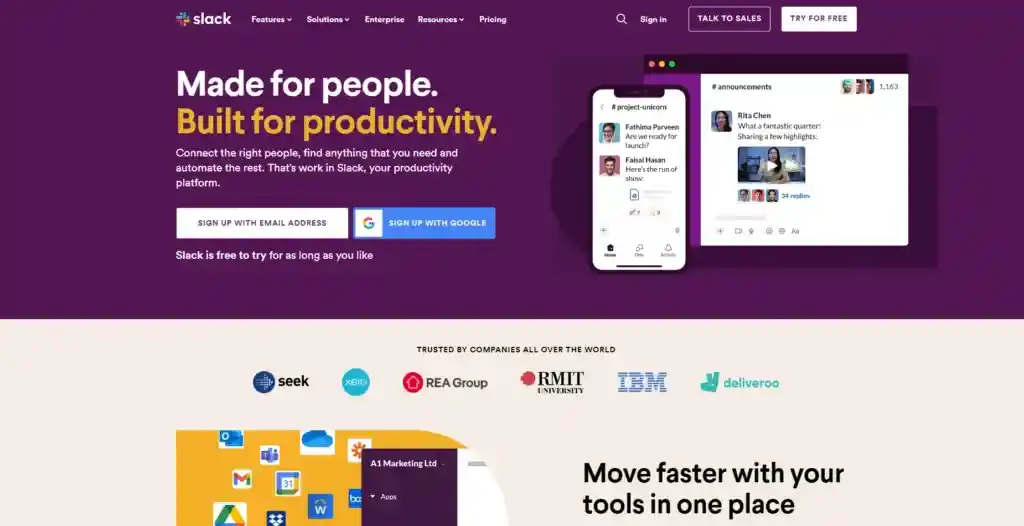
Slack is best known for its onboarding process. It appears to be entirely personalized. When using Slack for the first time, users find the application’s UI easy to use. This makes the onboarding process exciting and engaging at the same time.
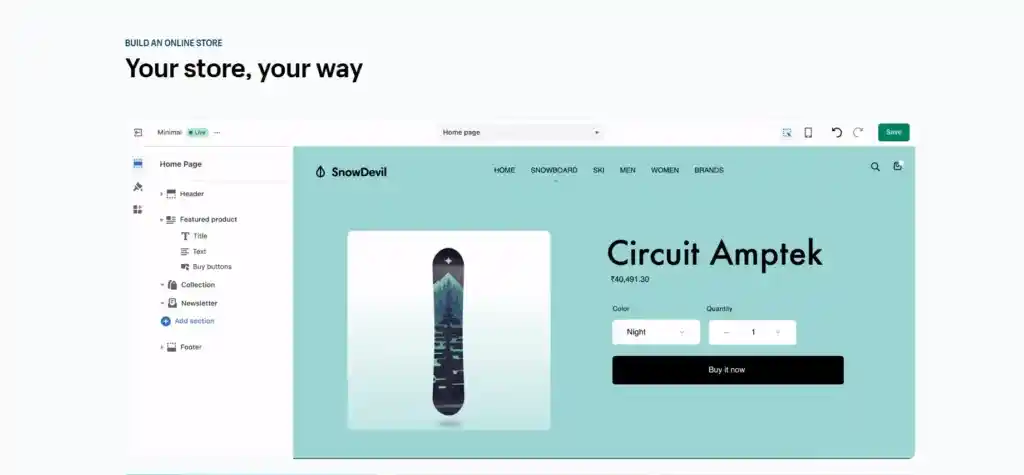
Traditional customer support can be frustrating. Incorporating an AI chatbot in SaaS UX design is a cost-effective time-saver. Shopify’s Chatbot is readily available. Moreover, it offers quick responses and in-depth support. AI chatbots improve user interactions. As a result, it enhances the overall user experience.

Dropbox is an excellent example of a great SaaS UI design. Its simple and easy-to-use interface makes it stand out.
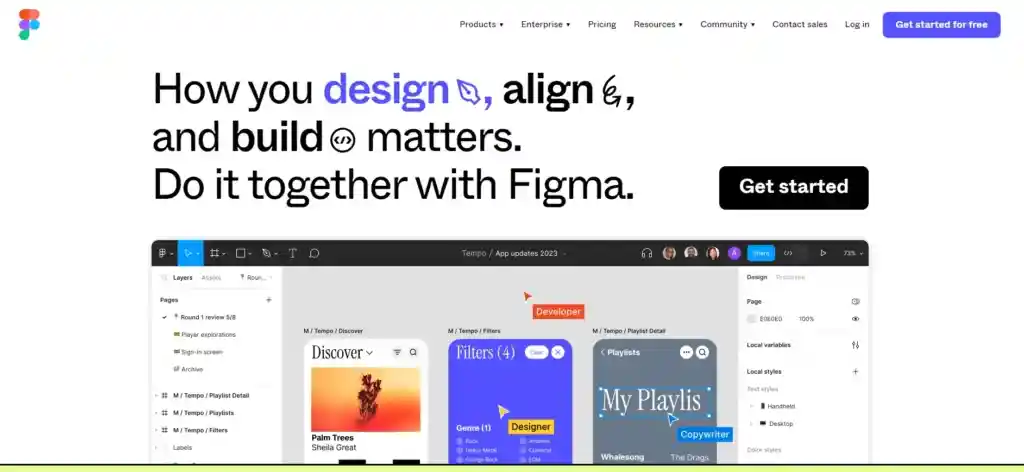
Offboarding a user is a vital aspect of product management. All products inevitably lose users, but it’s essential to handle it well. Figma provides an account deletion option. Ensuring a smooth offboarding experience increases the chance of users returning.
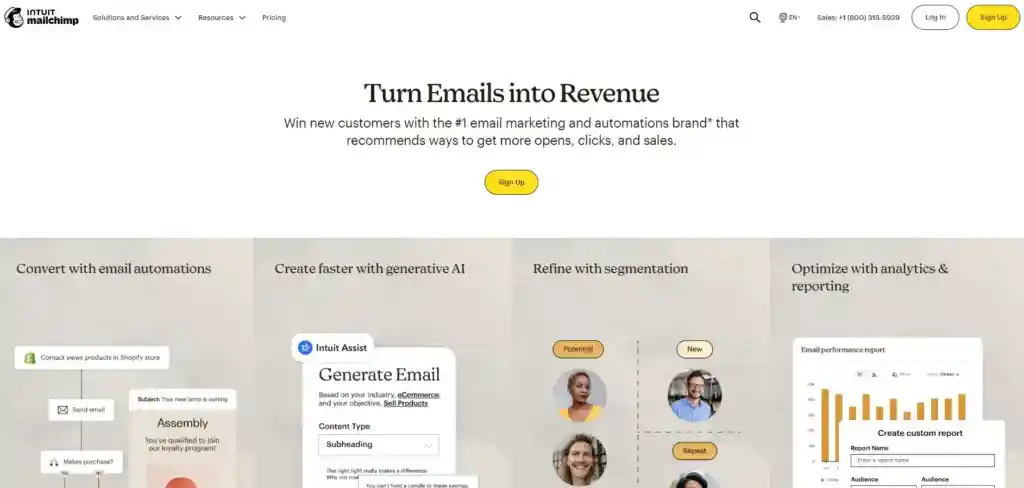
Mailchimp shines as a top SaaS platform. It’s known for its user-friendly interface and its playful UX for SaaS. It also manages mailing lists with ease. While premium options exist, Mailchimp’s free service continually attracts new users. Moreover, it has maintained its lead in mailing list management.
Effective SaaS UX design is the foundation of sustainable SaaS growth.
A well-crafted user experience:
At Code Theorem, we design SaaS products that don’t just look good but perform, scale, and convert. If you’re planning to build, redesign, or scale a SaaS product, investing in UX early will save costs and multiply growth over time.